BackupEject
Back up. Eject. Unplug.
Automatic Time Machine backups that eject the disk when they're done.
Why?
You work on a MacBook docked to a monitor. Your Time Machine SSD is plugged into the dock. Every time you want to grab your laptop and go, you're supposed to eject that disk first — and nobody ever does.
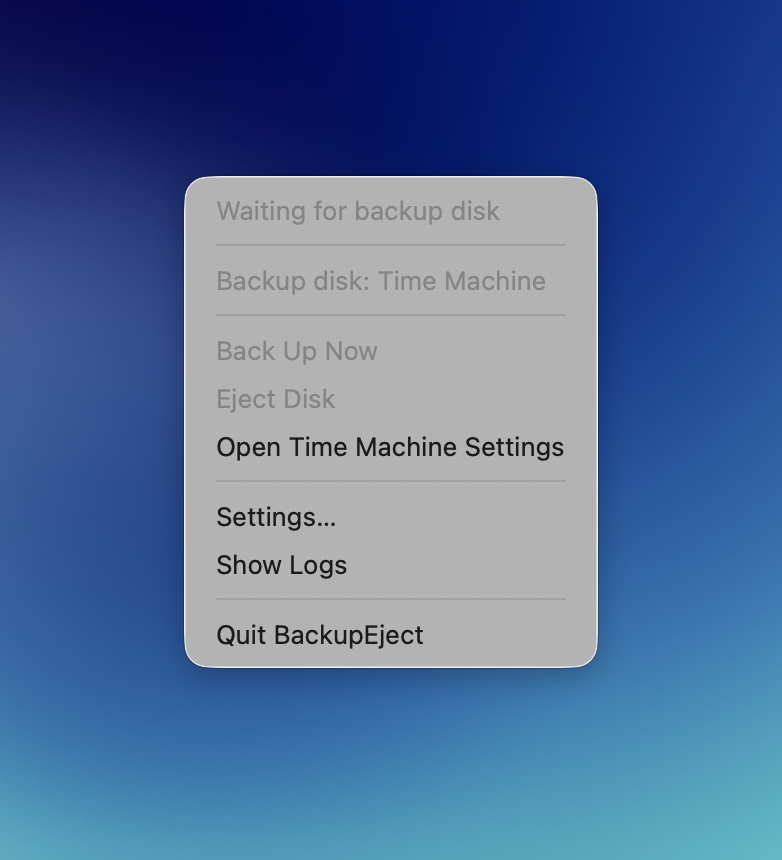
BackupEject lives in your menu bar and handles the whole cycle for you: when the disk appears, it runs a Time Machine backup, waits for it to finish, and safely ejects the disk. Unplug whenever you like.
How it works
Screenshots
Features
Safe by design
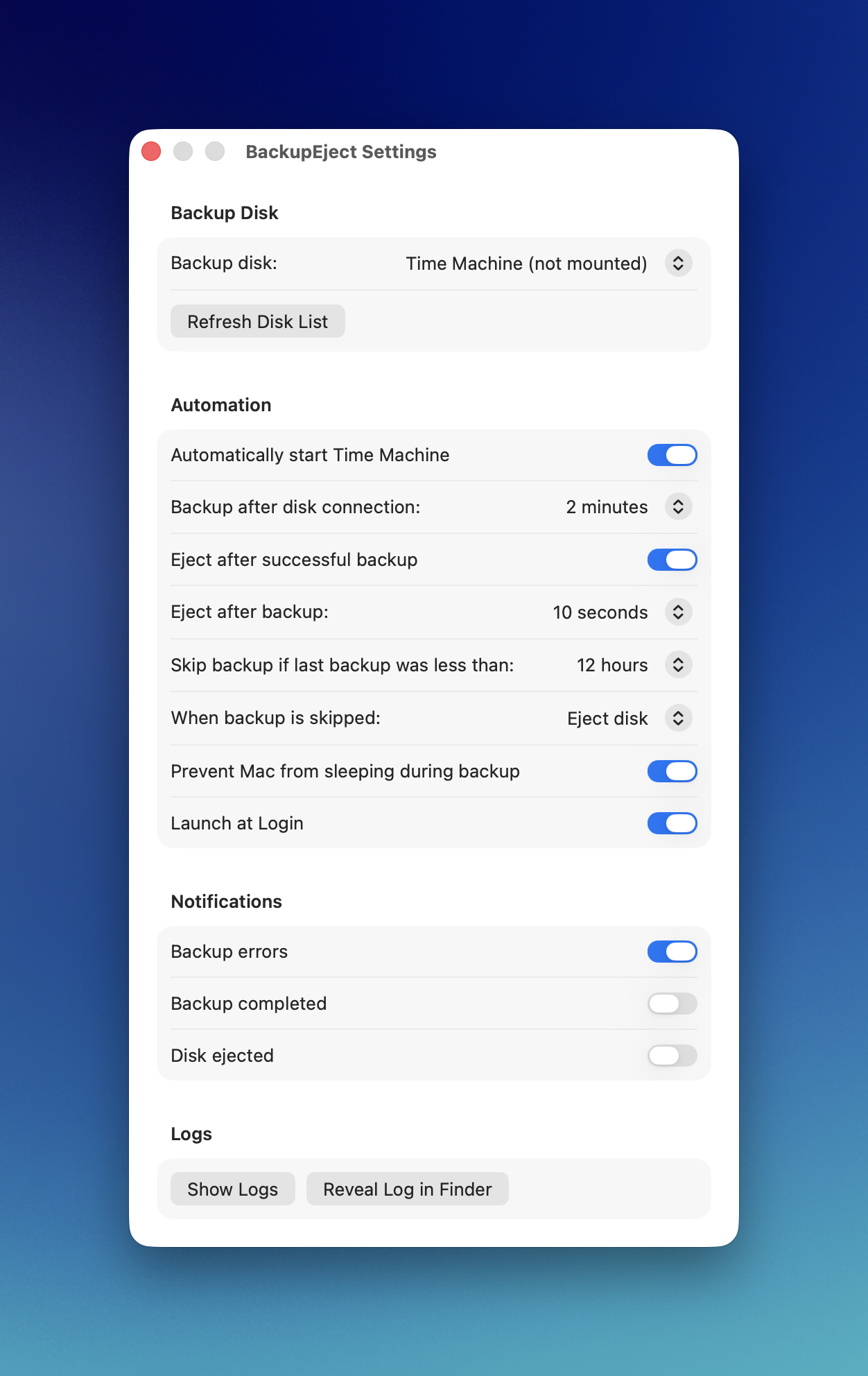
The disk is ejected only after a successful backup. Any error — the disk stays mounted and you get notified.
Once is enough
Optional skip window: if a backup finished less than N hours ago, reconnecting just ejects the disk without another backup.
No force, ever
Gentle eject with automatic retries if the disk is busy. Never force-unmounts your backup drive.
Stays awake
Keeps your Mac from idle-sleeping while a backup is running, then lets it rest.
Menu bar native
Live status and countdown in the menu bar. Manual Back Up Now and Eject Disk always one click away.
100% local & private
No telemetry, no accounts, no network access. A small native Swift app that does one thing well.
Note: BackupEject is distributed directly (signed & notarized) rather than through the Mac App Store — sandboxed apps can't drive Time Machine. Set it up once, forget it's there.
More Mac tools
Like small native utilities that stay out of the way? TerseEditor is a fast plain-text editor for macOS in the Notepad++ spirit — instant launch, clean paste, no telemetry.